ManuscriptFlow — Word to Journal PDF Formatting SaaS for Academic Publishers
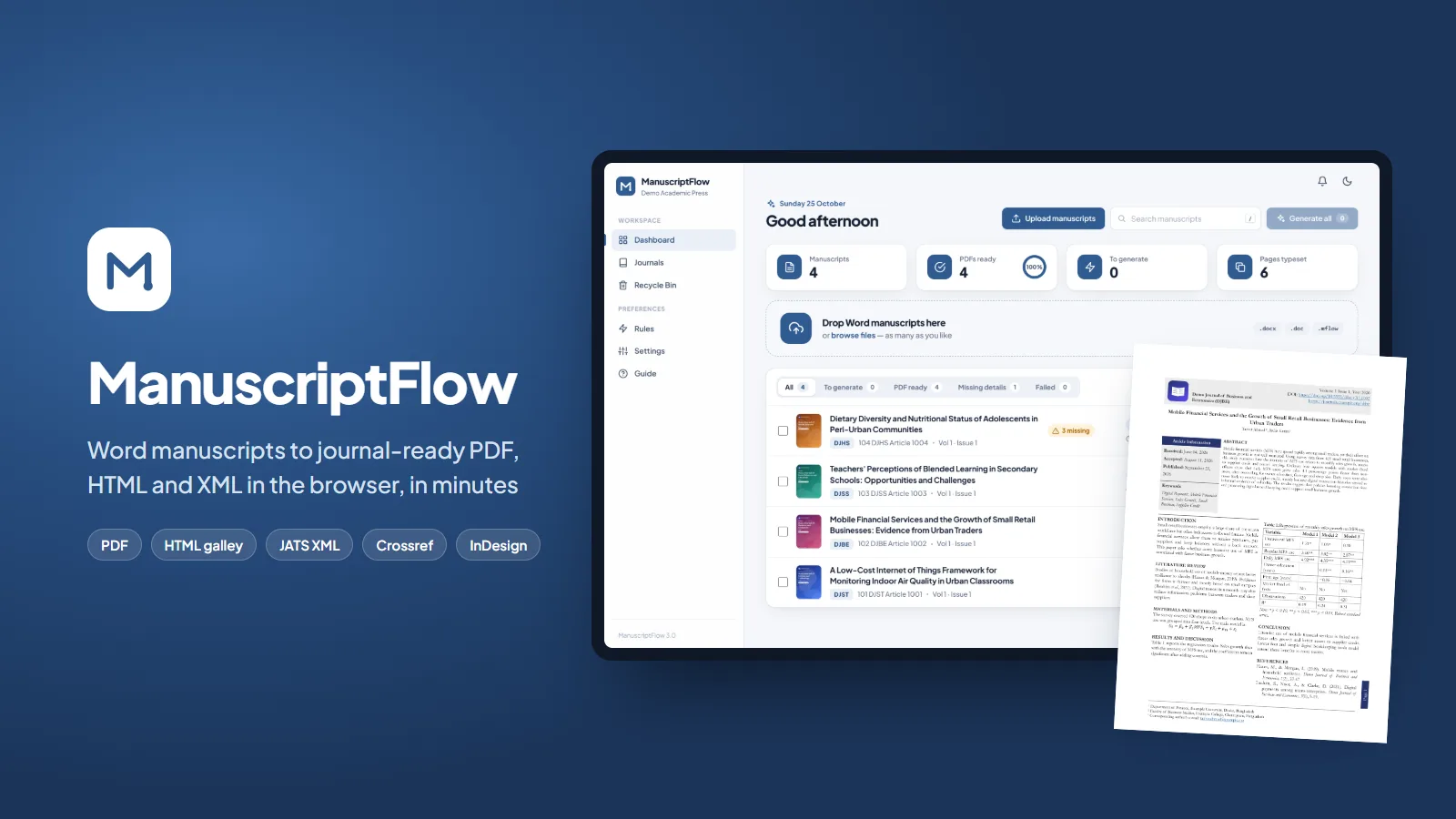
A web app for academic publishers that turns Word manuscripts into journal-ready PDF, HTML galley, JATS XML and Crossref files in minutes, with a live editor, author proofs and each journal house style built in.
Most journal publishers still format every accepted article by hand: the text is copied from Word into a layout program, headings, tables, equations and references are fixed one by one, and the XML for indexing is made separately. One article can take an hour or more, and every new issue means days of layout work.
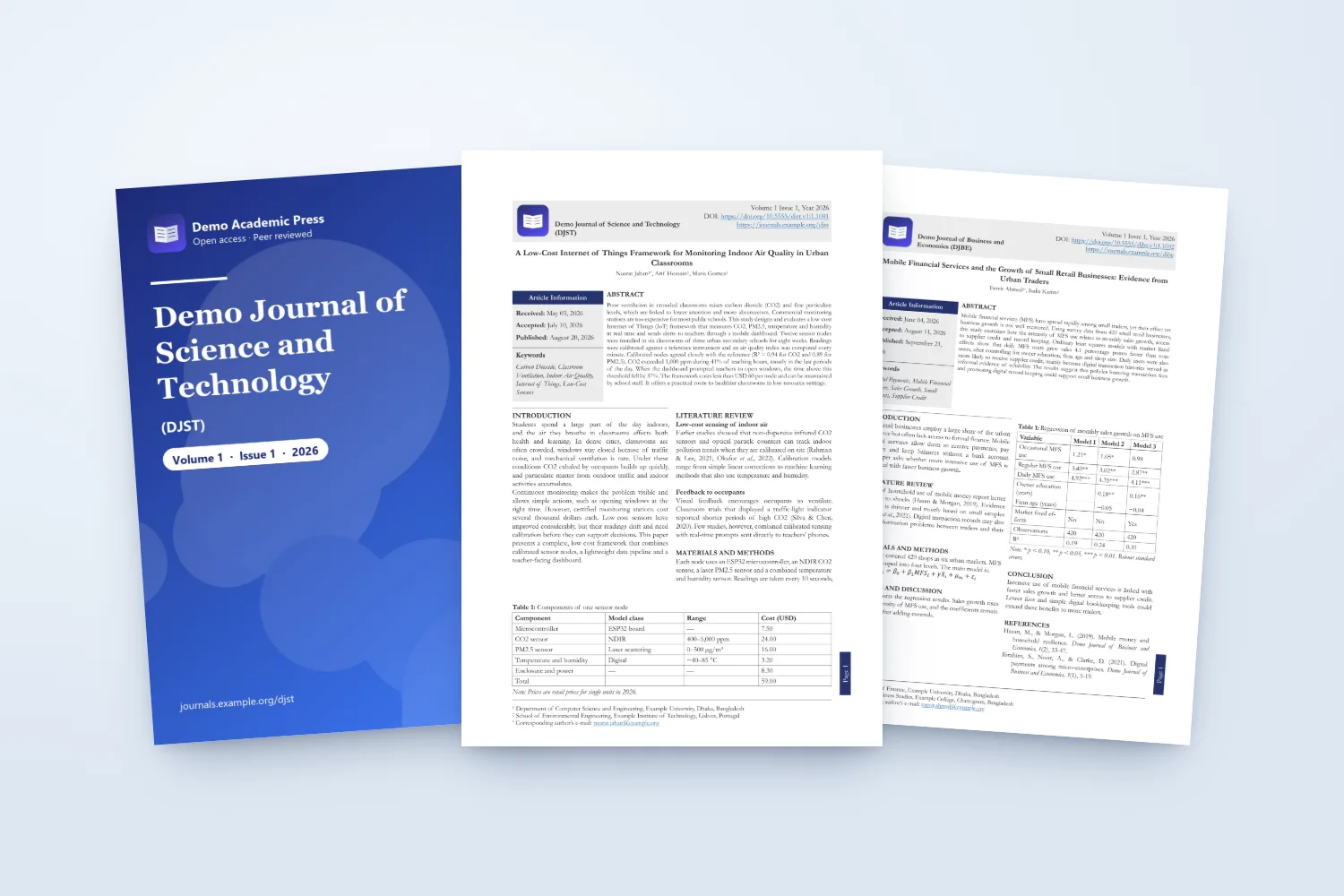
ManuscriptFlow does this in the browser. The editor drops in Word files, as many as they like. The app reads the title page, authors and affiliations, abstract, keywords, headings, tables, figures, equations and references, applies the journal house style and typesets a finished PDF with the journal cover, an article information box, running headers and the DOI in seconds. The same click makes the HTML galley and JATS XML for OJS and the Crossref deposit file.
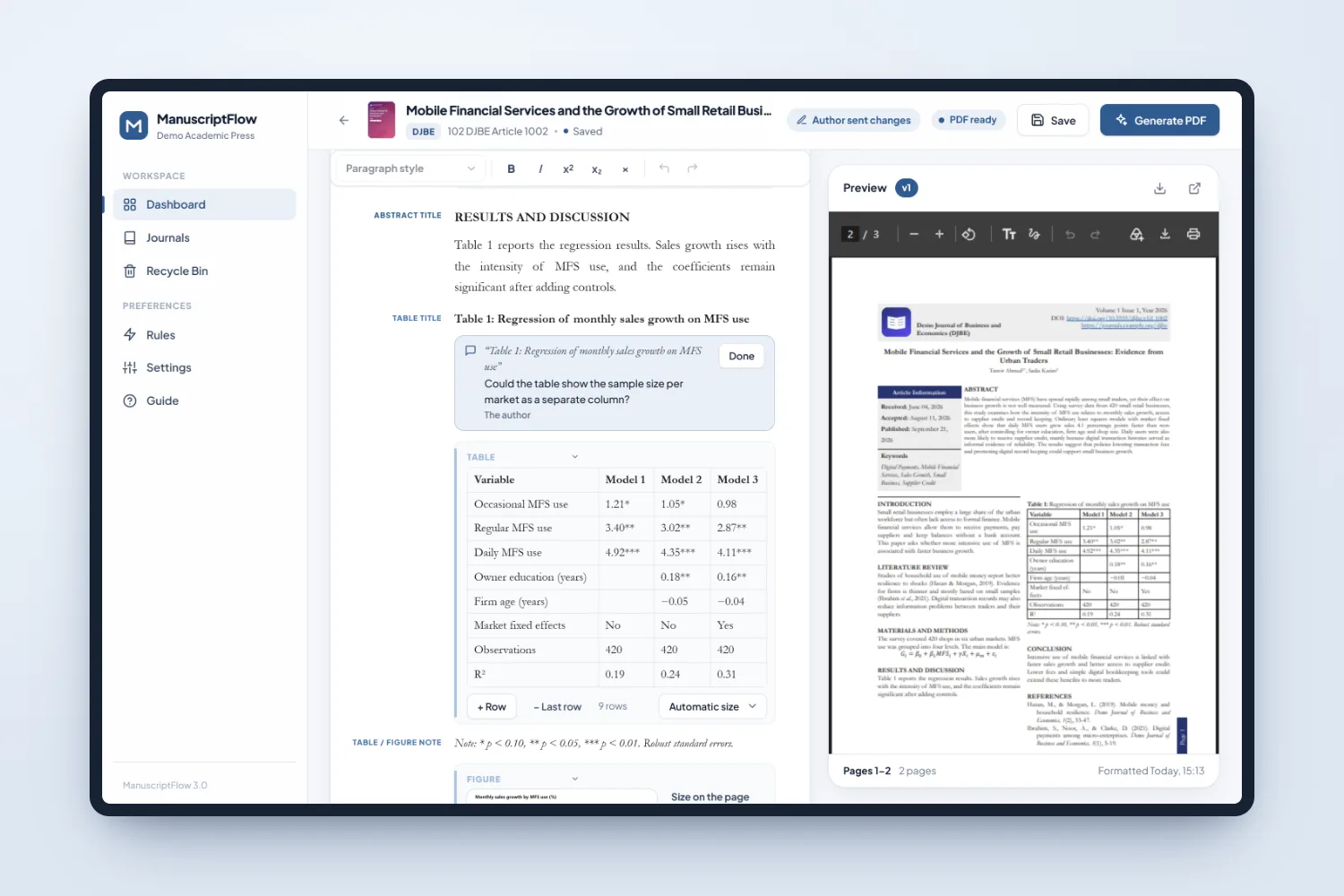
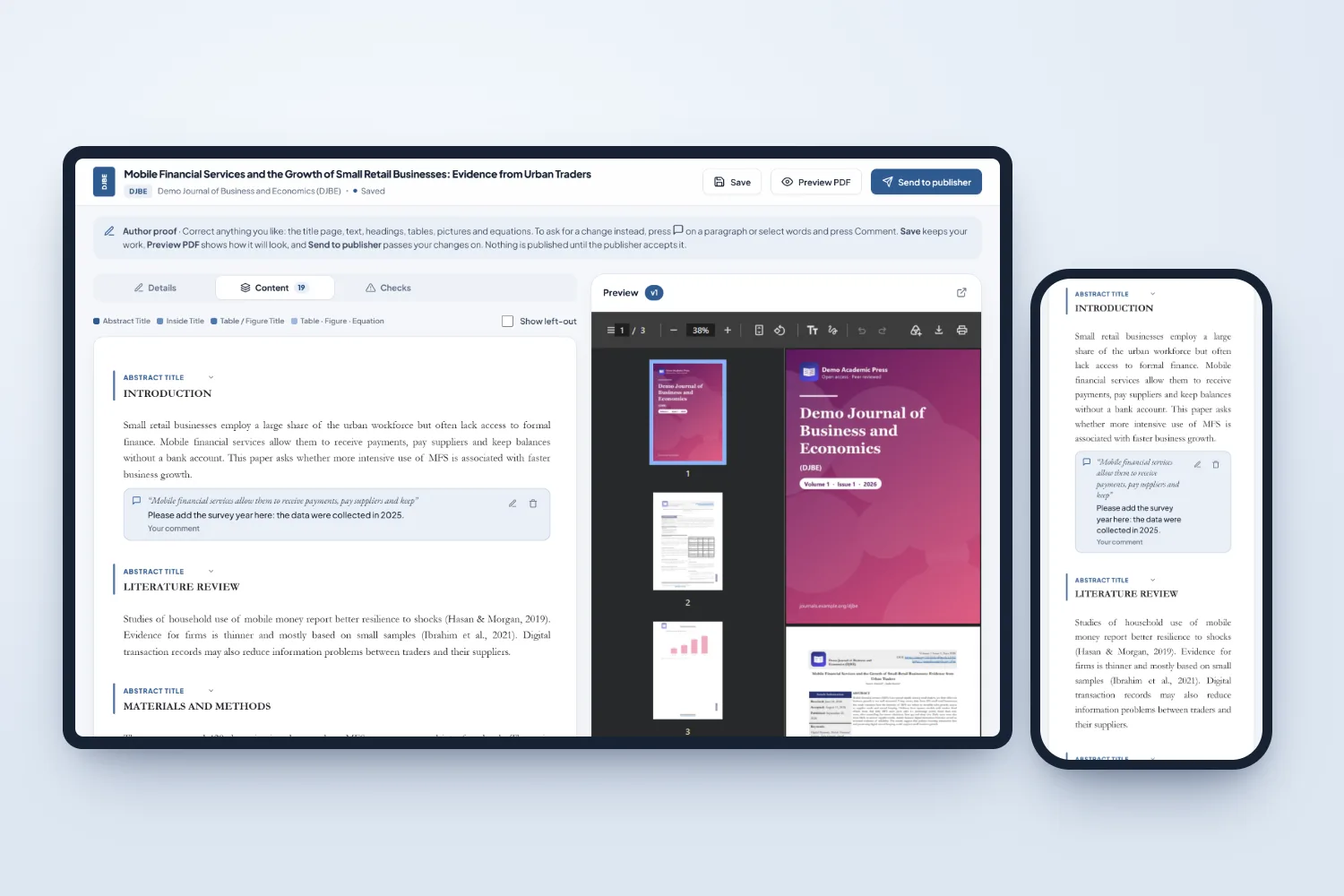
Editors correct anything in a Word-like document view next to a live PDF preview, send authors a private proof link where they edit or comment, and accept only the changes they want. It runs as a multi-tenant SaaS: every publisher has its own workspace with its journals, covers, rules and users, and publishers that still finish pages in InDesign can download an IDML file built on their own template.
The Challenge
Accepted articles arrive as Word files written in every possible way: headings typed in capitals or numbered, several affiliations on one line, tables with merged cells, equations from different editors, references in mixed styles. Formatting them by hand takes a skilled designer, the result depends on who did it, and the indexing files are a separate job. The software had to read messy manuscripts reliably, produce pages a publisher is happy to print under its own name, and still let a person fix anything in a few clicks.
Our Solution
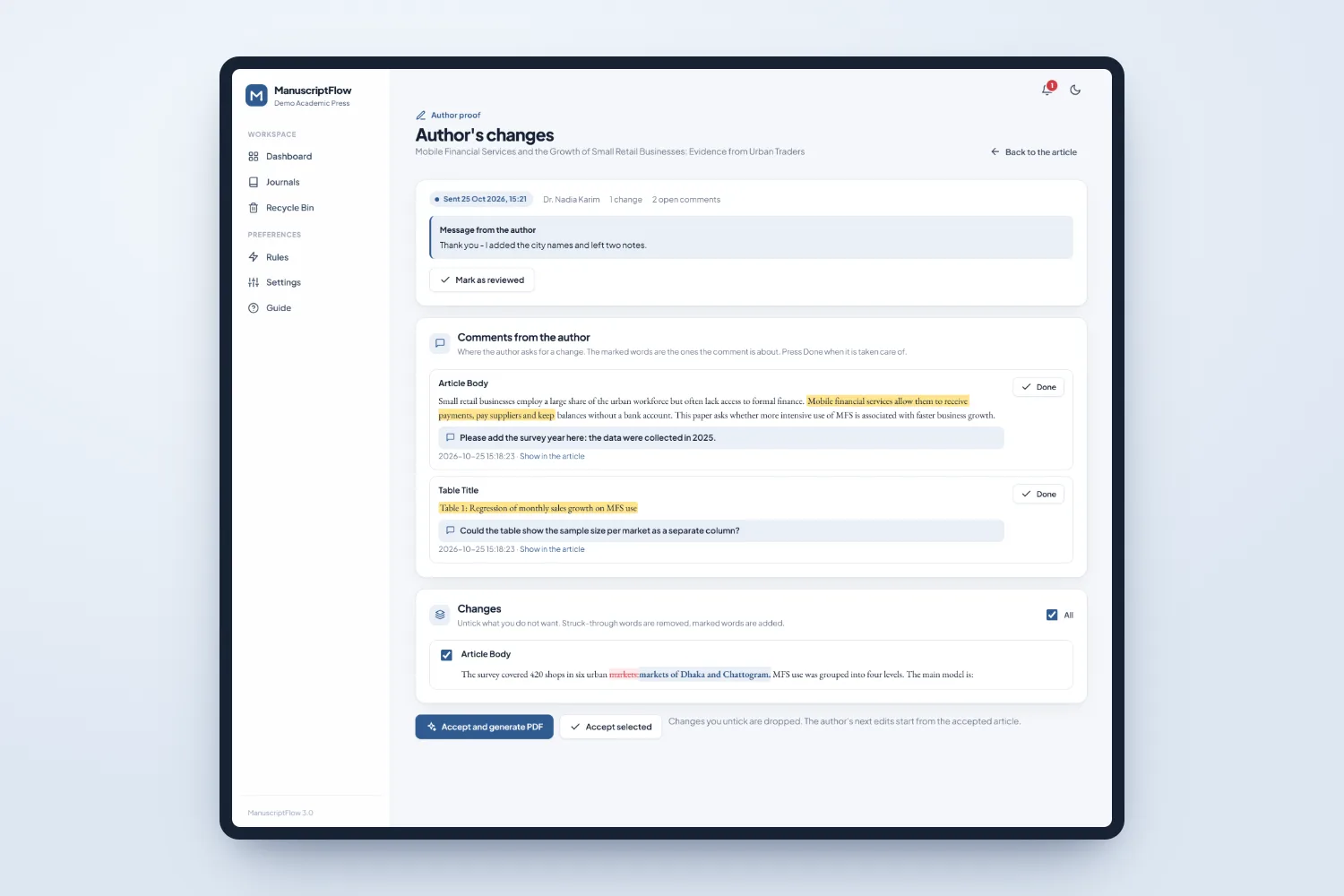
We built a Python web app around one model of the article. A reader takes the Word file apart down to text runs, tables, equations and pictures; a classifier finds the title page, sections, captions, notes and references and renames headings to the journal standard; house rules then clean the text the way a copy editor would. A built-in typesetting engine lays the article out in two columns with tables and figures placed as floats, the journal cover and the article information box, with no desktop software. The same model is written out as PDF, HTML, JATS XML, Crossref XML and InDesign IDML, so every output says the same thing. Author proofs work on a copy of the article, and the changes are compared word by word so the publisher can accept them one at a time.
Results
A Word manuscript becomes a typeset journal PDF in seconds, with HTML, JATS XML and Crossref files from the same click
A whole issue can be uploaded and formatted together
Author corrections arrive as marked changes and comments in the article instead of long email threads
Every journal keeps its own cover, numbering and house style without a designer
Publishers can sign up for a free trial and format their own articles the same day
Gallery
Screenshots
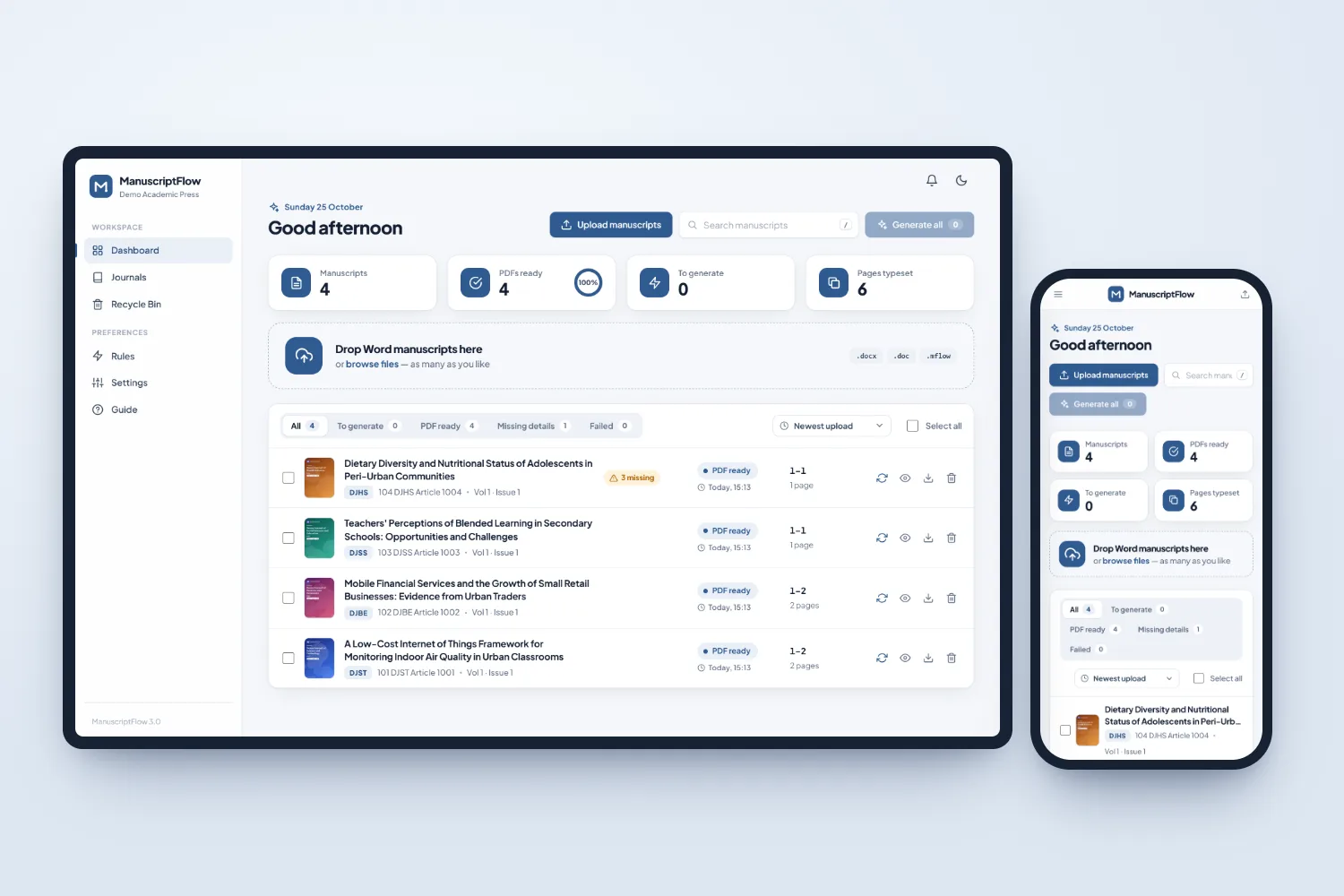
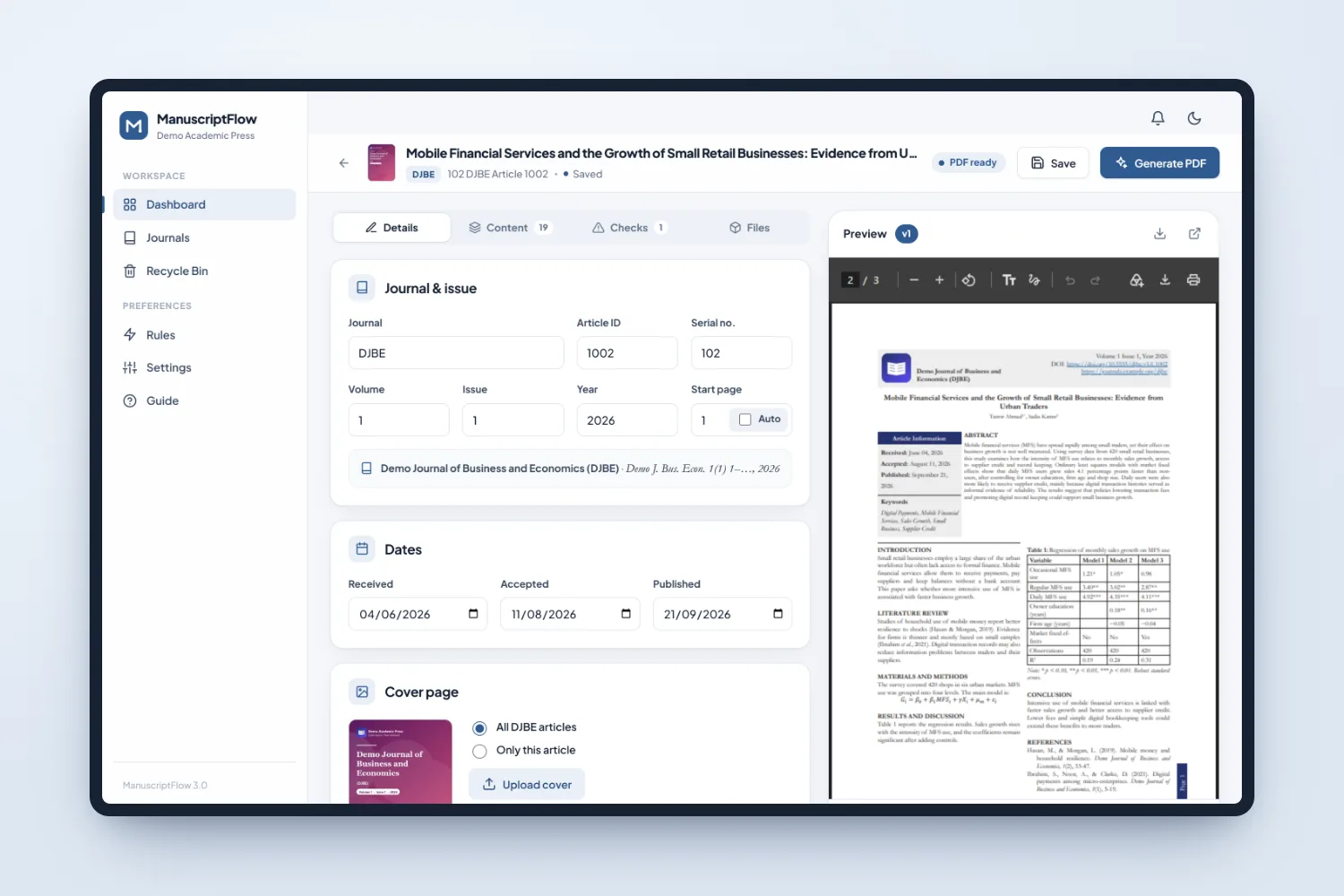
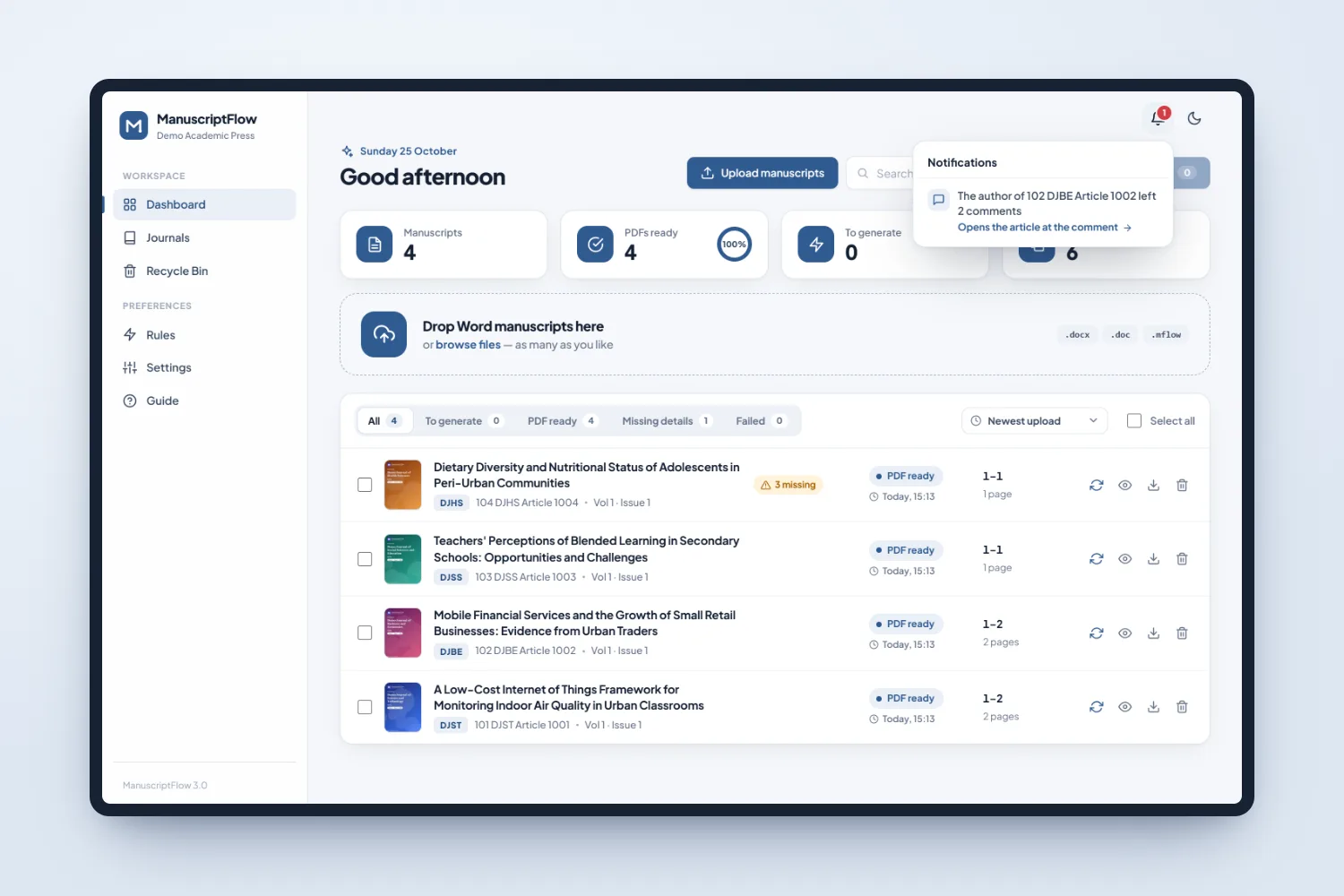
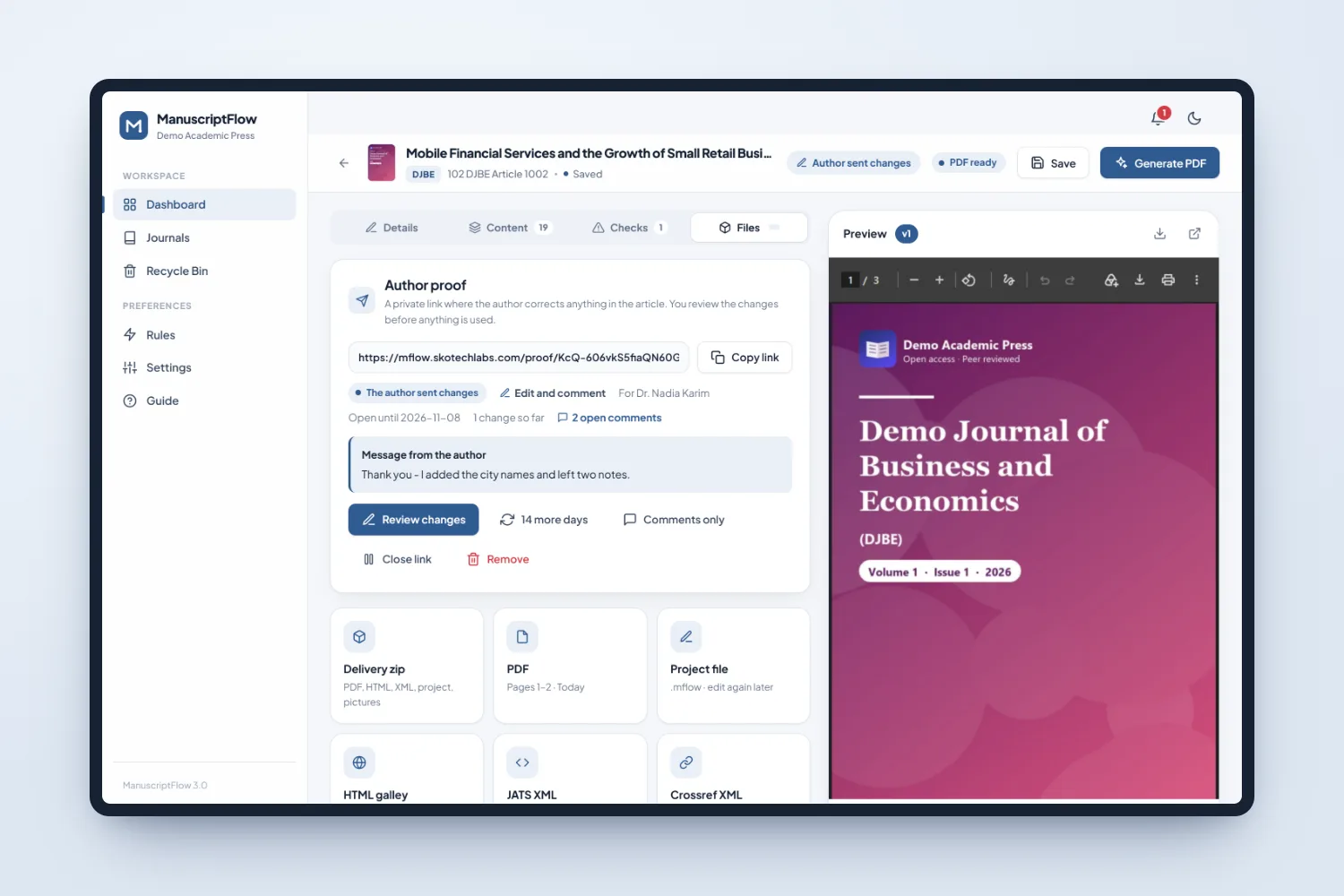
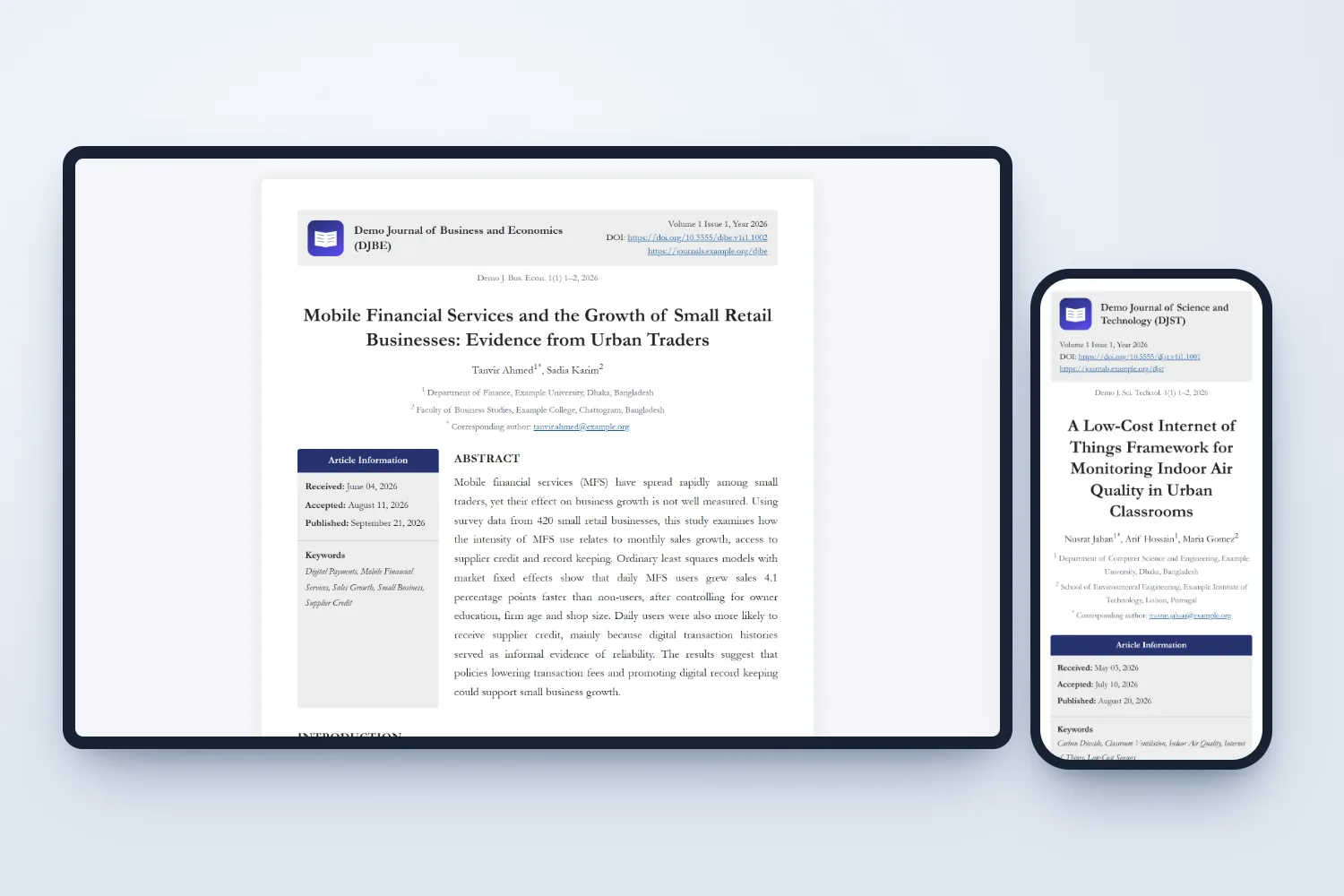
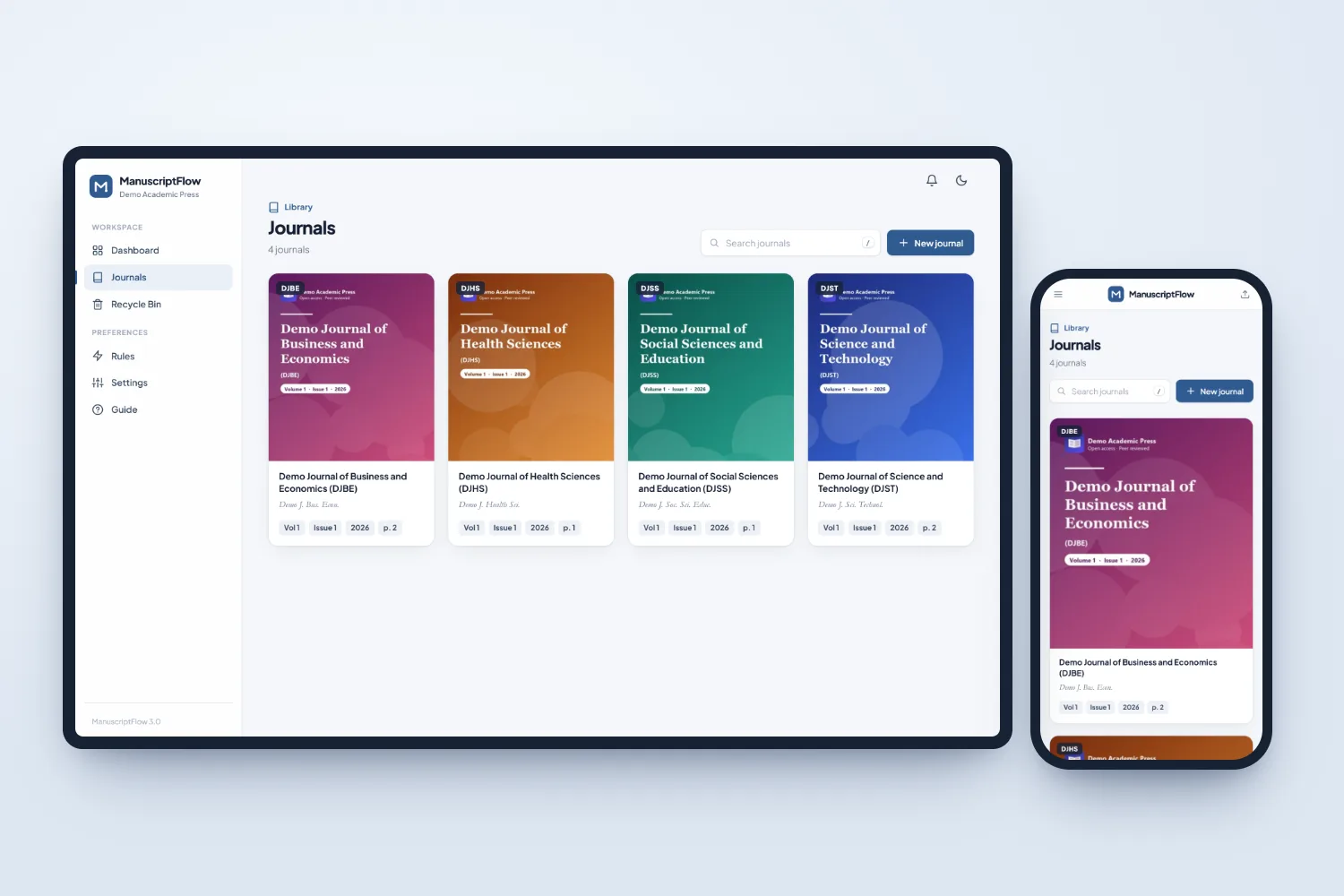
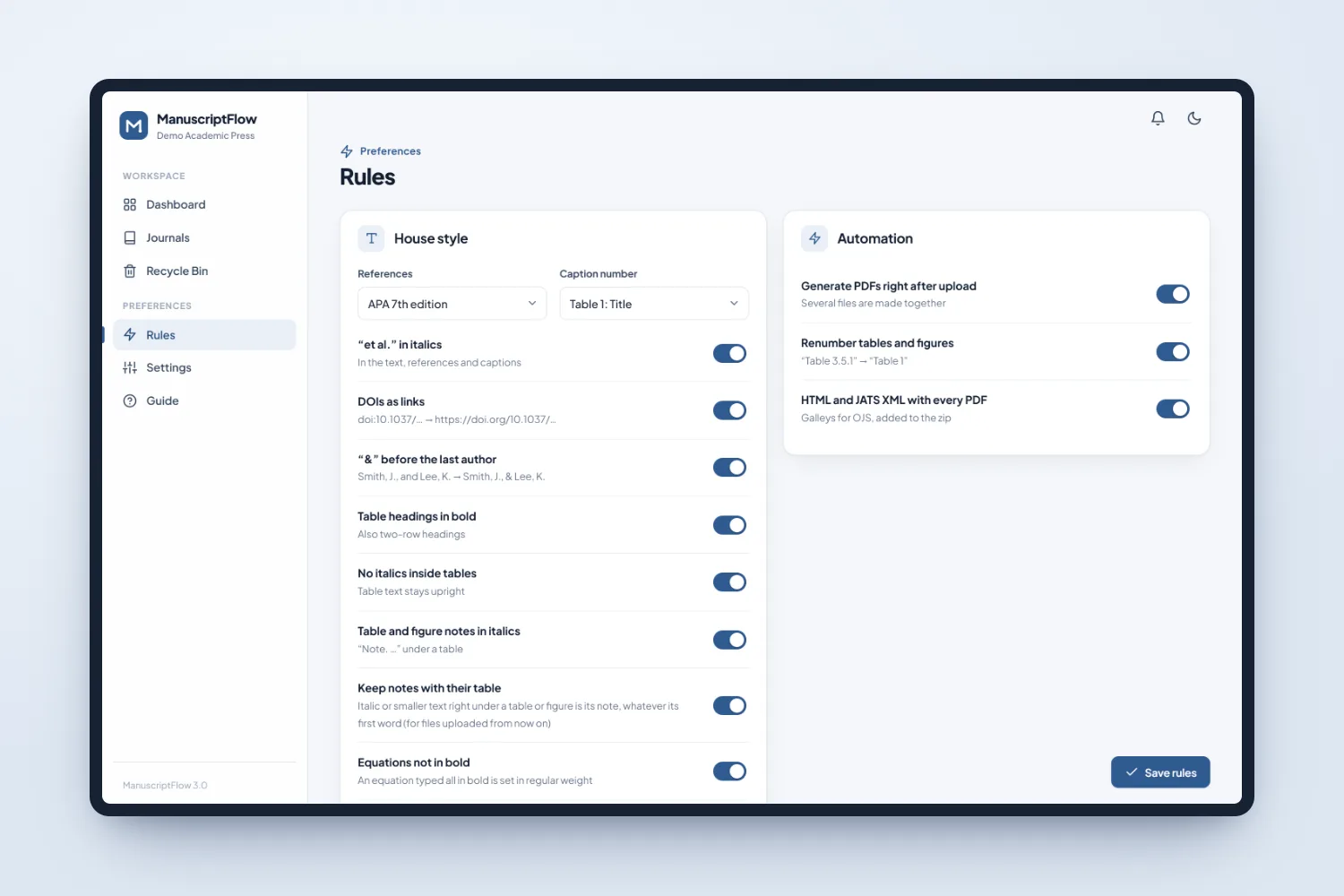
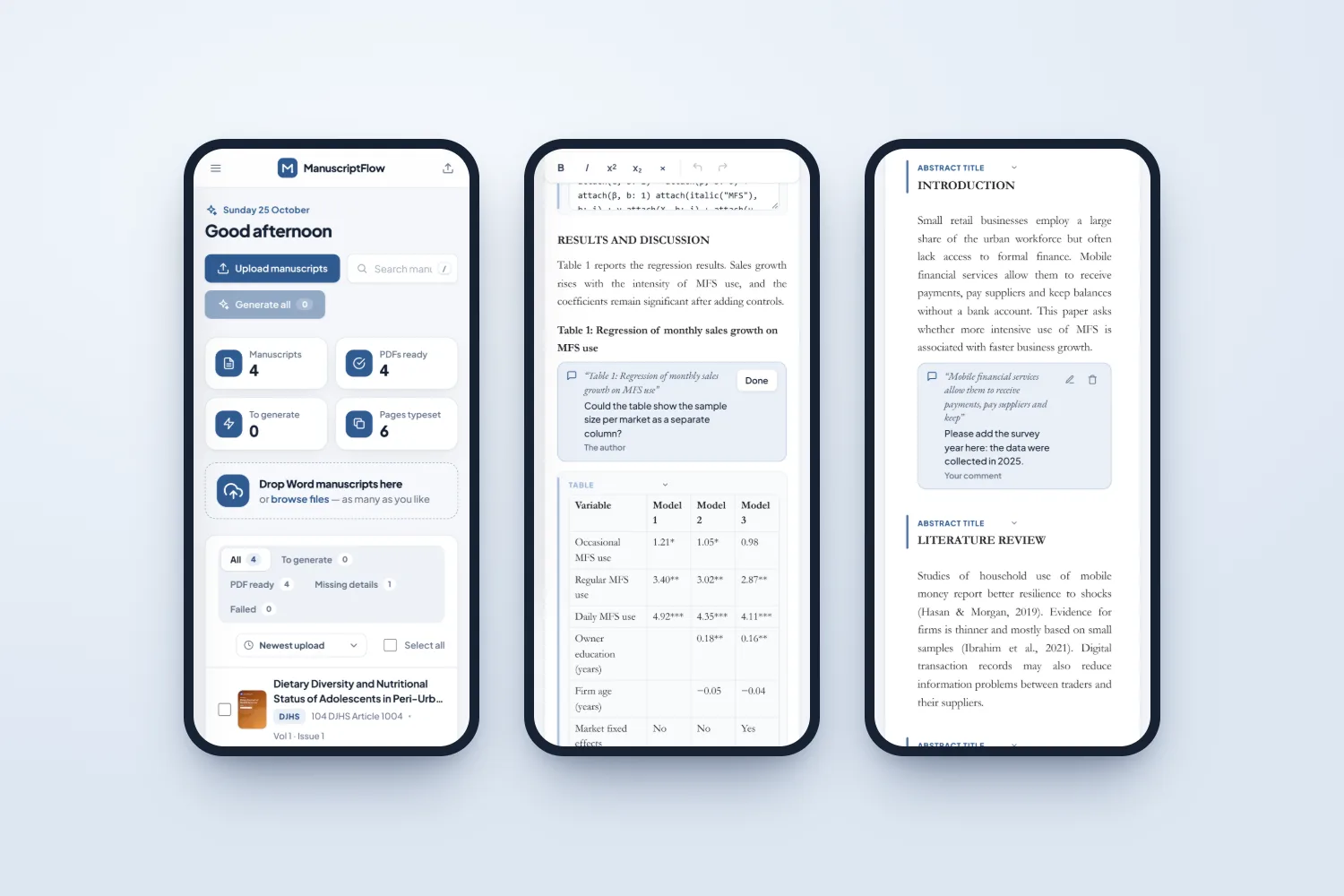
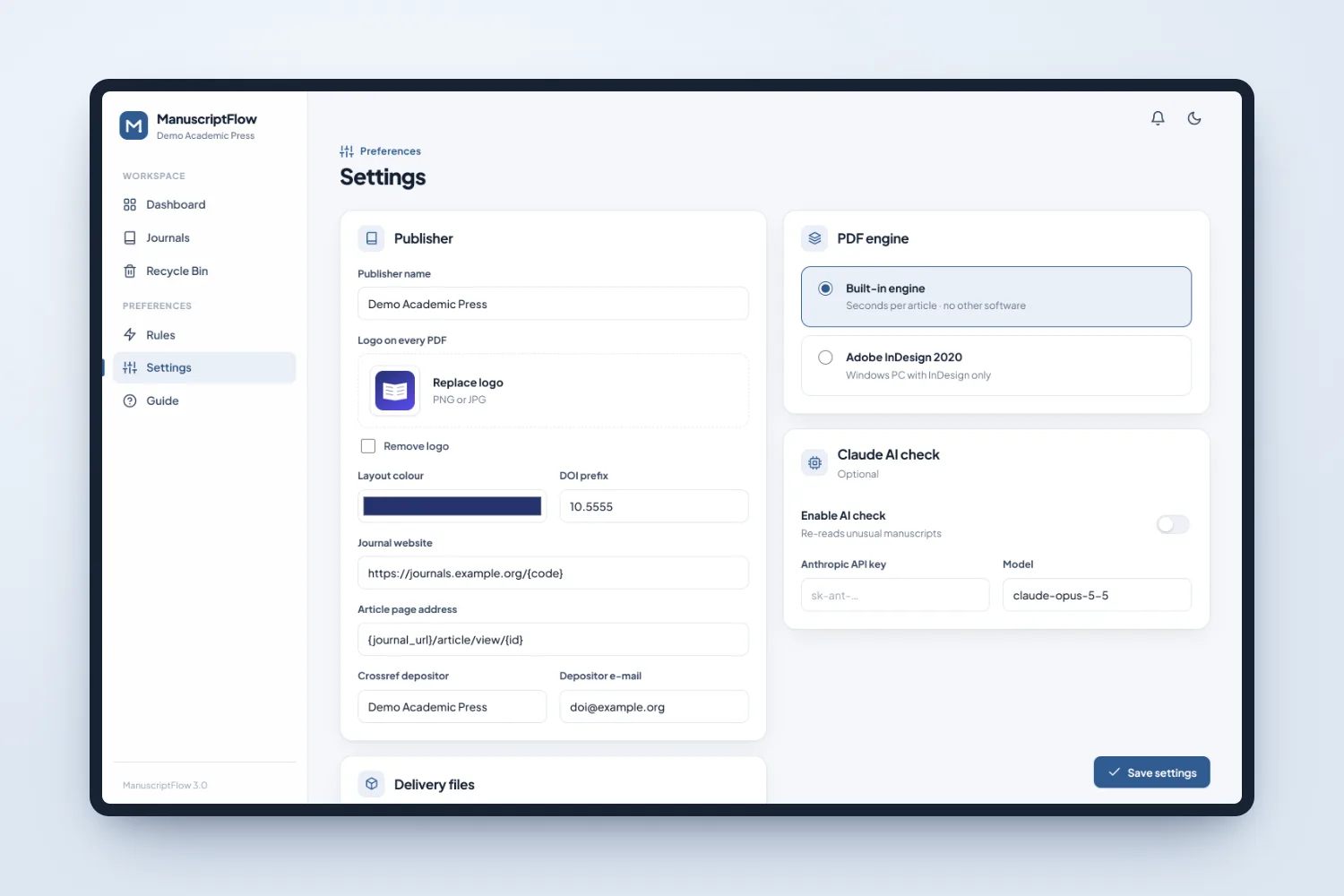
Dashboard on a laptop and a phone: manuscripts, PDFs ready, missing details and the upload areaArticle editor: journal, issue and dates on the left, the typeset PDF live on the rightDocument view: edit the article like a Word file, with headings, tables, equations and author comments in placeAuthor proof on laptop and phone: the author corrects the text or leaves comments, and nothing is used until the publisher accepts itReviewing the author changes: comments with the marked words, and every edit shown word by wordA notification opens the article right at the author commentFiles: author proof link, delivery zip, PDF, project file, HTML galley, JATS XML and Crossref XMLTypeset pages: journal cover, title page with article information, tables, figures and equationsHTML galley for OJS, readable on laptop and phoneJournal library with covers, volume, issue and the next page numberHouse style rules: reference style, caption numbering, italics, DOI links and automation, each one a switchPhone screens: dashboard, document view and the author proofSettings: publisher logo, layout colour, DOI prefix, Crossref depositor and the PDF engine